
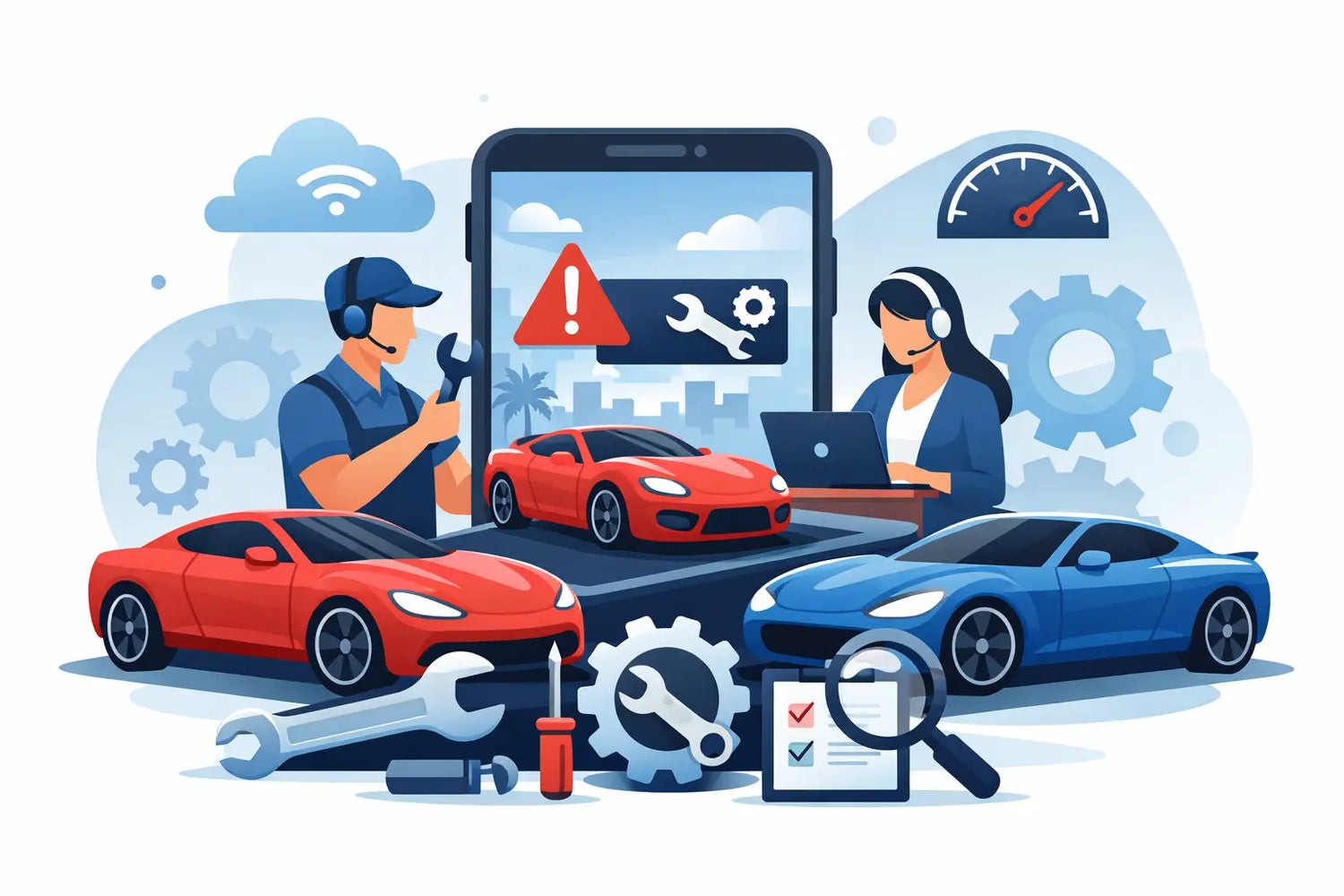
A frozen loading screen, missing resources, a garage that will not load, sync errors, account problems, or unexpected behavior inside CSR2 can quickly become frustrating when you just want to race. A CSR Racing 2 Fix All Troubleshooting Service should do more than tell you to restart the game. It should help identify what is actually causing the problem, protect the account you already built, and give you a clear next step.
Sharkmods Support helps CSR2 players troubleshoot both general in-game problems and issues related to existing Sharkmods services. That means you do not need to have placed an order with Sharkmods to contact support about a CSR2 problem. If you are unsure what is causing an error, you can contact the Sharkmods live chat and describe the issue so the support team can analyze the situation with you.
CSR2 problems usually fall into several categories: connection errors, synchronization delays, loading problems, missing progress, garage issues, incorrect resource balances, account problems, device-related errors, or questions about a Sharkmods service order. Identifying which category the problem belongs to is often the most important part of fixing it.
CSR Racing 2 Fix All Troubleshooting Service: Start Here
Before changing anything, confirm whether CSR2 itself can connect normally. Open the official app on a stable Wi-Fi or cellular connection, then check whether your player ID, garage, resources, and normal game screens appear correctly.
If several parts of CSR2 are failing at the same time, the problem may be related to the game servers, your connection, your device, or synchronization between your account and the game. Repeatedly restarting screens or changing account settings usually does not solve the underlying cause.
Do not delete CSR2 as your first troubleshooting step. Reinstalling can sometimes help with damaged local files, but it will not automatically fix an account-side or server-side issue. It can also create additional problems if your progress is not properly linked.
Before reinstalling, make sure your account is connected to the platform or login method you normally use. Take screenshots of your CSR2 player ID, current resources, garage, and any error message you see.
If you cannot identify the cause yourself, contact the Sharkmods Live Chat Support. Explain what happened, when the problem started, what device you are using, and what you already tried. The support team can analyze the symptoms and help determine whether the issue appears to be related to CSR2 itself, your account, your device, synchronization, or another cause.
CSR2 Loading Problems and Frozen Screens
A frozen loading screen does not always mean the game installation is damaged. Loading problems can be caused by unstable internet connections, temporary server issues, low device storage, outdated game files, background applications, or synchronization problems.
Start by completely closing CSR2 and reopening it. If possible, switch between Wi-Fi and cellular data to rule out a connection problem. Restarting the device can also clear temporary processes that interfere with the game.
Make sure CSR2 is updated through the official App Store or Google Play Store and check whether your device has enough free storage available.
If CSR2 continues to freeze at the same point, take a screenshot of the screen and contact Sharkmods Live Chat Support. Tell the support team exactly where the game stops loading and whether the problem happens every time. This gives support a better starting point for analyzing the error.
Fix CSR2 Sync Errors and Progress Problems
Synchronization problems can look dramatic. A resource balance may suddenly change, progress can appear to roll back, a race result may disappear, or the game can show older account information after reopening.
If this happens, avoid making rapid changes to the account. Stop spending resources, purchasing items, switching devices, or repeatedly opening and closing the game until the account has had time to synchronize.
Close CSR2 completely, wait briefly, reopen it on a stable connection, and check whether the values stabilize.
Keep screenshots if important resources, cars, or progress appear to be missing. A simple before-and-after screenshot can make troubleshooting much easier.
If the account still shows inconsistent information, contact Sharkmods Live Chat Support for a problem analysis. Send your player ID, screenshots, the approximate time the problem started, and a short description of what changed.
CSR2 Resources Are Missing or Not Refreshing
Cash, gold, keys, and Elite Tokens are account values and may sometimes appear outdated while CSR2 is synchronizing.
If a resource balance does not look correct, completely close the official app, wait a moment, reopen it, and check the appropriate resource screen again.
Avoid immediately spending resources or making additional purchases while you are trying to determine whether the displayed balance is correct. Changing the balance repeatedly makes it harder to identify what happened.
If resources are still missing or the balance keeps changing unexpectedly, screenshot the current values and contact Sharkmods Live Chat Support. The support team can review the information with you and help determine whether the issue looks like a display problem, synchronization issue, account problem, or something else.
If the problem is connected to a Sharkmods order, also include the order number so the service status can be checked directly.
Cars, Garage Problems, and Missing Vehicles
A car that appears to be missing does not automatically mean it has disappeared from the account. CSR2 garages can become difficult to navigate, especially when an account contains many vehicles.
Check the correct tier, manufacturer, garage position, and available filters before assuming the vehicle is gone.
If the car is visible but something about the build looks wrong, compare its upgrades, Stage 6 parts, fusions, PP, and EVO values.
A STOCK car and a MAX car are also very different. A STOCK vehicle does not include the fully finished performance configuration expected from a MAX build.
If you cannot locate a vehicle, the garage is behaving incorrectly, or a car appears different from what you expected, contact Sharkmods Live Chat Support. Send the exact car name, your player ID, and screenshots of the garage or vehicle screen. Support can help analyze whether you are dealing with a garage navigation issue, synchronization problem, build question, or another CSR2 error.
CSR2 Account Problems
Some problems affect the account rather than a single resource or car. You may see different progress after changing devices, experience cloud-save conflicts, have trouble loading the correct profile, or notice unexpected changes to your garage.
Before making major changes, record your CSR2 player ID and take screenshots of the current account state.
Make sure you are signed into the same Apple Game Center, Google Play Games, or other platform account that you normally use with CSR2.
If you are unsure whether the correct profile is loading, avoid repeatedly switching accounts or reinstalling the game. That can make the situation more difficult to understand.
Instead, contact Sharkmods Live Chat Support and explain what changed. Include your player ID, device type, operating system, screenshots, and whether you recently changed devices, reinstalled CSR2, or changed login information.
Sharkmods can help analyze common CSR2 account problems and guide you through appropriate troubleshooting steps. If a problem ultimately requires access to internal Zynga or NaturalMotion systems, Sharkmods can also tell you when contacting the official CSR2 support team is necessary.
CSR2 Connection Errors
Connection errors can come from more than just slow internet. Public Wi-Fi networks, VPNs, unstable mobile connections, router problems, temporary server interruptions, or restrictive network settings can all interfere with CSR2.
Try a different network if possible. Switching from Wi-Fi to mobile data, or from mobile data to a trusted Wi-Fi connection, can quickly show whether the problem is network-related.
Restart your router or device if the connection appears unstable and make sure CSR2 is allowed to use mobile data and background network access.
If other apps work normally but CSR2 continues to show connection errors, take a screenshot of the exact message and send it to Sharkmods Live Chat Support. The wording of an error often provides useful information when determining what is causing the problem.
CSR2 Crashes or Closes Unexpectedly
If CSR2 repeatedly closes, crashes during races, or returns to the home screen, the problem may be related to available memory, storage, device temperature, outdated software, or corrupted temporary files.
Close unnecessary applications running in the background, restart the device, check available storage, and make sure both CSR2 and your operating system are updated.
Pay attention to whether the crash always happens during the same race, event, garage screen, or action.
If the pattern continues, contact Sharkmods Live Chat Support and explain exactly when CSR2 crashes. Include your device model and operating system version where possible. A repeatable pattern makes it much easier to analyze the issue.
Do Not Make a CSR2 Problem Worse
When something goes wrong, players often try several fixes at once: reinstalling the game, switching accounts, changing devices, making additional purchases, clearing application data, and repeatedly relaunching CSR2.
This can make troubleshooting much harder because it becomes difficult to determine which action changed the account state.
Instead, change one thing at a time and check whether the problem improves. Keep screenshots of important errors and resource balances.
Rooted devices, jailbreaks, mod APKs, mod menus, memory editors, and random downloadable “fix tools” add additional variables and risk. They are not appropriate first steps for diagnosing a normal CSR2 loading, sync, account, or connection problem.
If you are unsure what to do next, contact Sharkmods Live Chat Support before making major changes to the game or account.
Account Safety Comes Before a Quick Fix
CSR2 players should be careful with websites, tools, and individuals promising an instant fix for every possible account problem.
Do not provide Apple ID passwords, Google account passwords, payment card details, or other unnecessary credentials to someone claiming they can repair your CSR2 account.
Sharkmods focuses on analyzing the problem first. Screenshots, your player ID, the error you see, and a clear explanation of what happened are normally far more useful for troubleshooting than sensitive login information.
Server-side fulfillment for Sharkmods services is different from installing an altered game client. The official game application remains installed normally, without requiring a mod APK, mod menu, root, or jailbreak.
However, Sharkmods is an independent third-party service. NaturalMotion and Zynga control CSR2 and their internal systems. Some problems can be analyzed and resolved through normal troubleshooting, while others may ultimately require assistance from the official game publisher.
What CSR2 Problems Can Sharkmods Support Analyze?
Sharkmods Live Chat Support can help analyze many common CSR2 problems, including:
- CSR2 not loading
- Frozen loading screens
- Connection errors
- Synchronization problems
- Missing or incorrect resource balances
- Missing cars or garage problems
- Unexpected account changes
- Cloud-save problems
- Problems after changing devices
- CSR2 crashes
- Car build and performance questions
- Sharkmods order or delivery problems
- General CSR2 troubleshooting when the cause is unclear
You do not need to know what is causing the problem before contacting support. The purpose of the troubleshooting process is to identify the likely cause first.
Contact Sharkmods Live Chat for a CSR2 Problem Analysis
If the basic troubleshooting steps do not solve the problem, or you simply do not know what is wrong, contact Sharkmods Live Chat Support.
Describe the problem in one clear message and include as much useful information as possible. The support team can review the symptoms with you and help determine what should be checked next.
For the fastest problem analysis, include your CSR2 player ID, screenshots of the issue, the device you are using, when the problem started, and any troubleshooting steps you already tried.
If your problem involves a Sharkmods service, also include your order number and the product or service purchased.
The more clearly the problem is documented, the easier it is for support to distinguish between a connection problem, synchronization delay, device issue, CSR2 account problem, service-related issue, or another cause.
What to Send Sharkmods Support
When contacting Sharkmods Live Chat Support, try to provide the following information:
- Your CSR2 player ID
- A short description of the problem
- A screenshot or screen recording if possible
- The exact error message
- Your device model
- Your operating system
- When the problem started
- What happened immediately before the problem appeared
- Which troubleshooting steps you already tried
- Your Sharkmods order number if the problem involves an existing service
Keep the information in one clear message whenever possible. Support can analyze a problem faster when the important details are available immediately instead of being scattered across many separate messages.
Common CSR2 Troubleshooting Questions
Can Sharkmods help even if I did not buy anything?
Yes. Sharkmods Live Chat Support can help analyze general CSR2 problems even when they are not related to a Sharkmods order. Describe the issue and provide screenshots, your player ID, and relevant device information so the support team can help identify the likely cause.
My CSR2 game is stuck on the loading screen. What should I do?
Force-close CSR2, check your connection, restart the device, confirm that the game is updated, and make sure enough storage is available. If the loading problem continues, contact Sharkmods Live Chat Support with a screenshot and explain exactly where the game becomes stuck.
Why are my CSR2 resources missing?
The account may be synchronizing or displaying an older cached value. Restart CSR2 on a stable connection and check again. If the resources remain missing or continue changing unexpectedly, contact Sharkmods Support for a problem analysis.
Why did my CSR2 progress change?
Progress differences can sometimes result from cloud synchronization, loading a different account, changing devices, or temporary account data issues. Record your player ID and current account state before making further changes, then contact Sharkmods Support if you cannot identify the cause.
Should I reinstall CSR2?
Reinstallation should normally not be the first troubleshooting step. First verify your connection, login method, player ID, and account synchronization. Make sure your progress is properly linked before deleting the application.
What if I do not know what is causing my CSR2 problem?
You do not need to diagnose the problem yourself. Contact Sharkmods Live Chat Support and explain what you are experiencing. The support team can analyze the available information and help determine which troubleshooting steps make sense.
Can Sharkmods fix every CSR2 problem?
Sharkmods can help analyze and troubleshoot a wide range of CSR2 problems, but some issues depend on systems controlled directly by NaturalMotion or Zynga. If the problem requires access to official internal systems, support can identify that limitation and recommend contacting the official CSR2 support team.
The fastest CSR Racing 2 fix is usually not a random trick or reinstalling everything immediately. It starts with understanding what is actually wrong. Whether CSR2 is not loading, resources are missing, your garage looks incorrect, the game is crashing, your account is not syncing, or you simply cannot identify the cause, Sharkmods Live Chat Support can help analyze the problem and guide you toward the appropriate next step.

Leave a comment
This site is protected by hCaptcha and the hCaptcha Privacy Policy and Terms of Service apply.